TOVA / YOUTUBE SHORTS
Watch it in action

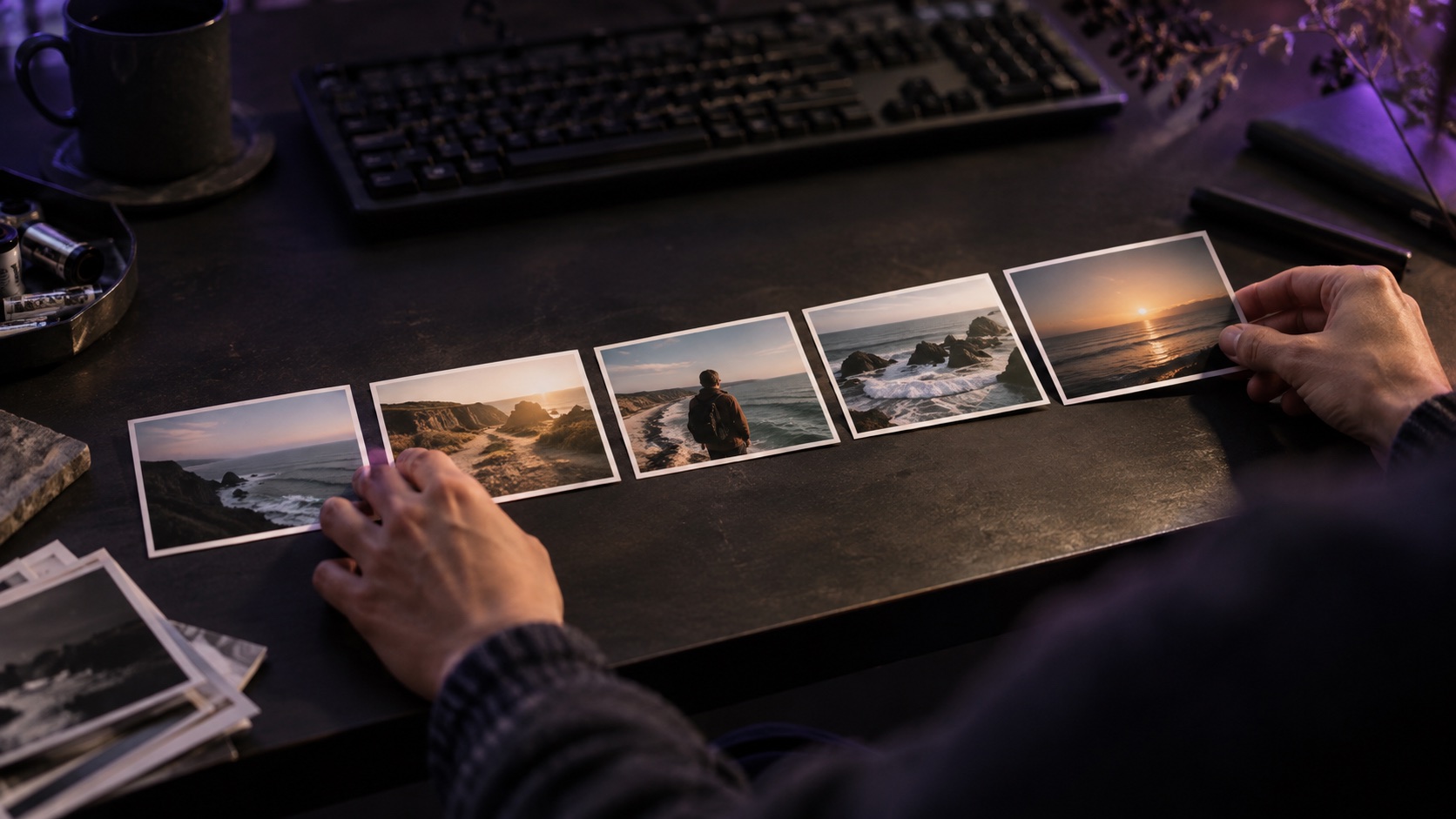
Your trip already has a color palette
TOVA concept preview, not an in-app demonstration. Compare a preset purple title with a blue sampled from the sea in the same clip.
Watch on YouTube ↗If the player is unavailable, watch on YouTube.
01 / Before you begin
Before you begin
Keep the edit fixed
Both samples use the same coast footage, title, position, size and white title panel. Only the title color changes.
Look for contrast as well as mood
A scene color can connect the title to the footage. It still has to read clearly against the title background. A sampled color is not automatically the best choice.
Tell us where you would use it
Which version would you choose for a travel recap, and why? Leave the kind of edit you make in the video comments.
02 / Follow these steps
Follow these steps
Watch A and B together.
Compare the preset purple with the sampled sea blue.
Check the words at phone size before choosing.
03 / Try this sequence
Try this sequence
Same clip, title, position, size and white title panel; only the title color changes.
Before you export
- Same scene and type
- Change only the title color
- Check contrast at phone size
Frequently asked questions
Is this a current TOVA app export?
No. These examples were composed outside the app as a concept demand test. They do not confirm screen sampling in your installed TOVA version.
Available tools and export settings vary by app version and device. Check the app for the terms of AI generation and cloud processing.