TOVA / YOUTUBE SHORTS
Watch it in action

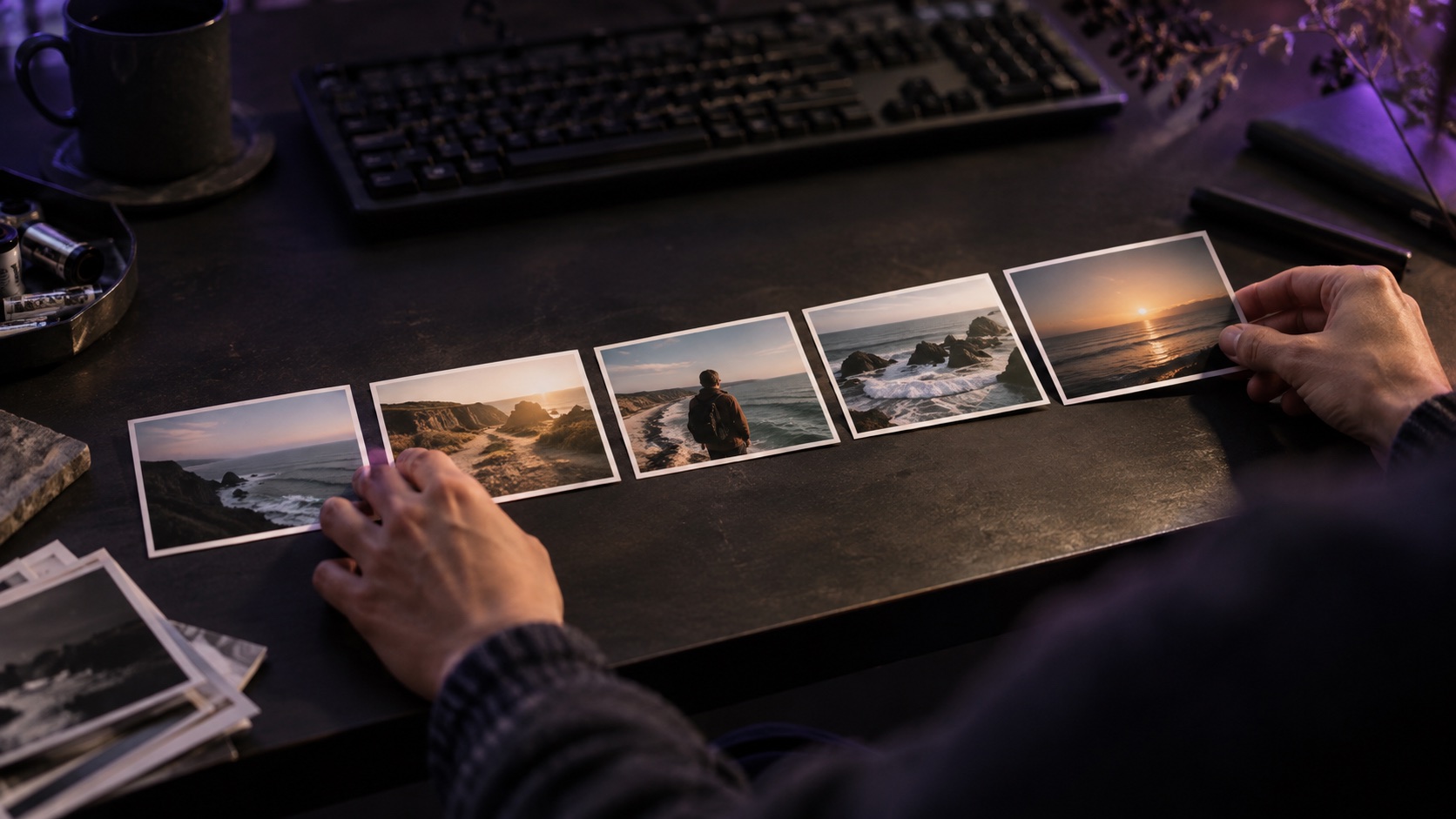
A night walk with the ocean in it
TOVA edit concept preview, made outside the app. Compare two clips mixed at the same 50% opacity. Only the blend mode changes.
Watch on YouTube ↗If the player is unavailable, watch on YouTube.
01 / Before you begin
Before you begin
Look at the subject
The night-walk subject and the coast are present in both samples. Compare which details remain readable.
Compare one choice at a time
A is a normal blend; B uses Screen. The source clips, crop, timing, and opacity are the same. Screen can lift the bright parts, but a brighter result is not always the right mood.
Name your use
Would you use this for a travel recap, a music clip, or neither? Tell us what scene you would combine in the video comments.
02 / Follow these steps
Follow these steps
Play A and B together.
Watch the subject and the brightest areas.
Comment with the kind of edit you would use it for.
03 / Try this sequence
Try this sequence
The same five-second night walk and ocean segment repeat in both samples.
Before you export
- Same clips
- Same 50% opacity
- Different blend mode
Frequently asked questions
Is this an app export?
No. This is an externally rendered TOVA edit concept preview. It does not verify the workflow or availability in your installed app.
Available tools and export settings vary by app version and device. Check the app for the terms of AI generation and cloud processing.