01 / Before you begin
Before you begin
Shoot in the order of the route
Prepare an entrance, an overall view, key areas and details. This helps preserve direction in the edit. Avoid abrupt camera turns while moving.
Match brightness without changing the impression
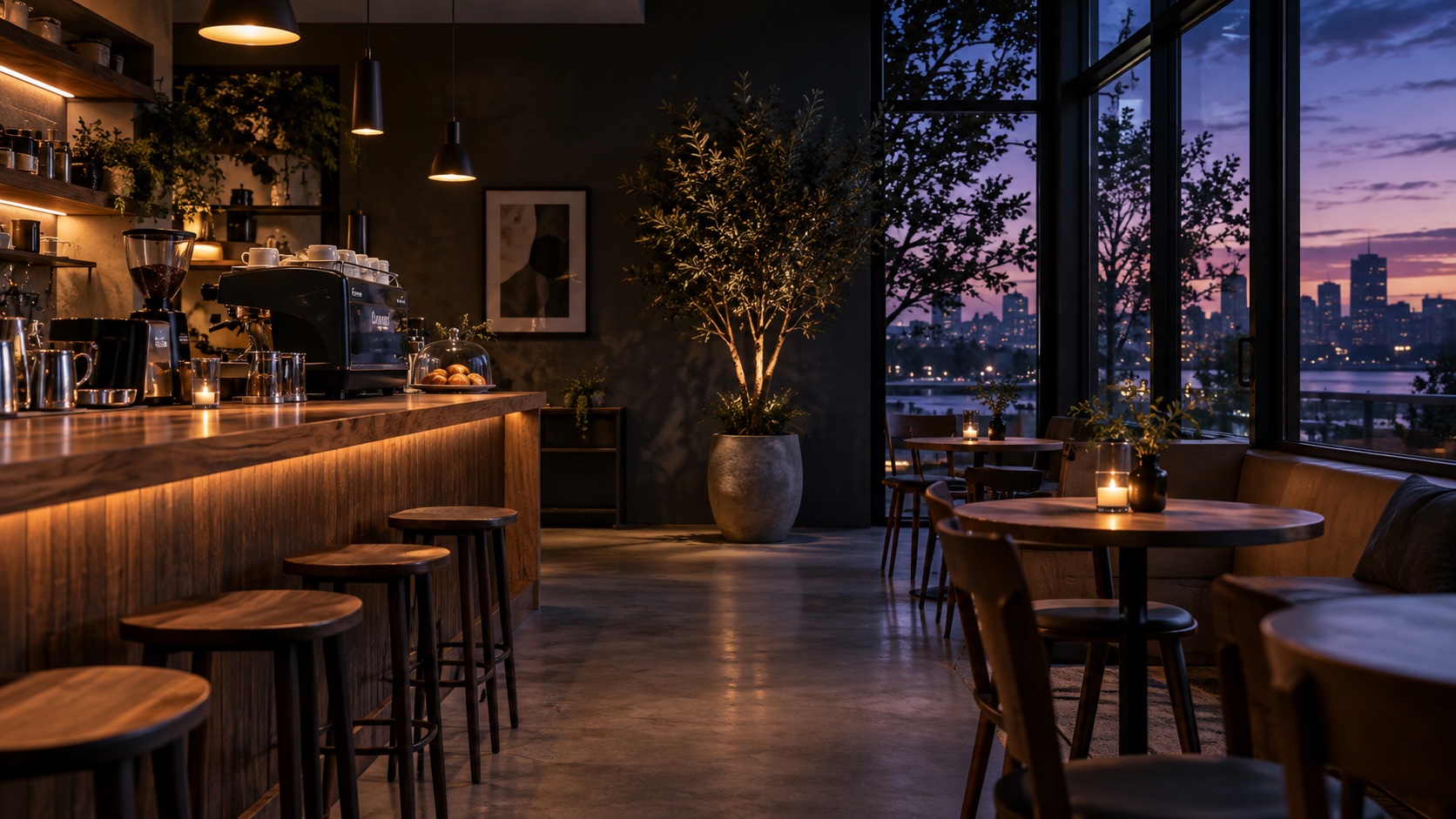
Review the difference between window light and the interior. Use adjustments to connect scenes while keeping descriptions of size and condition accurate.
02 / Follow these steps
Follow these steps
Prepare short clips of the entrance and each area, plus detail photos.
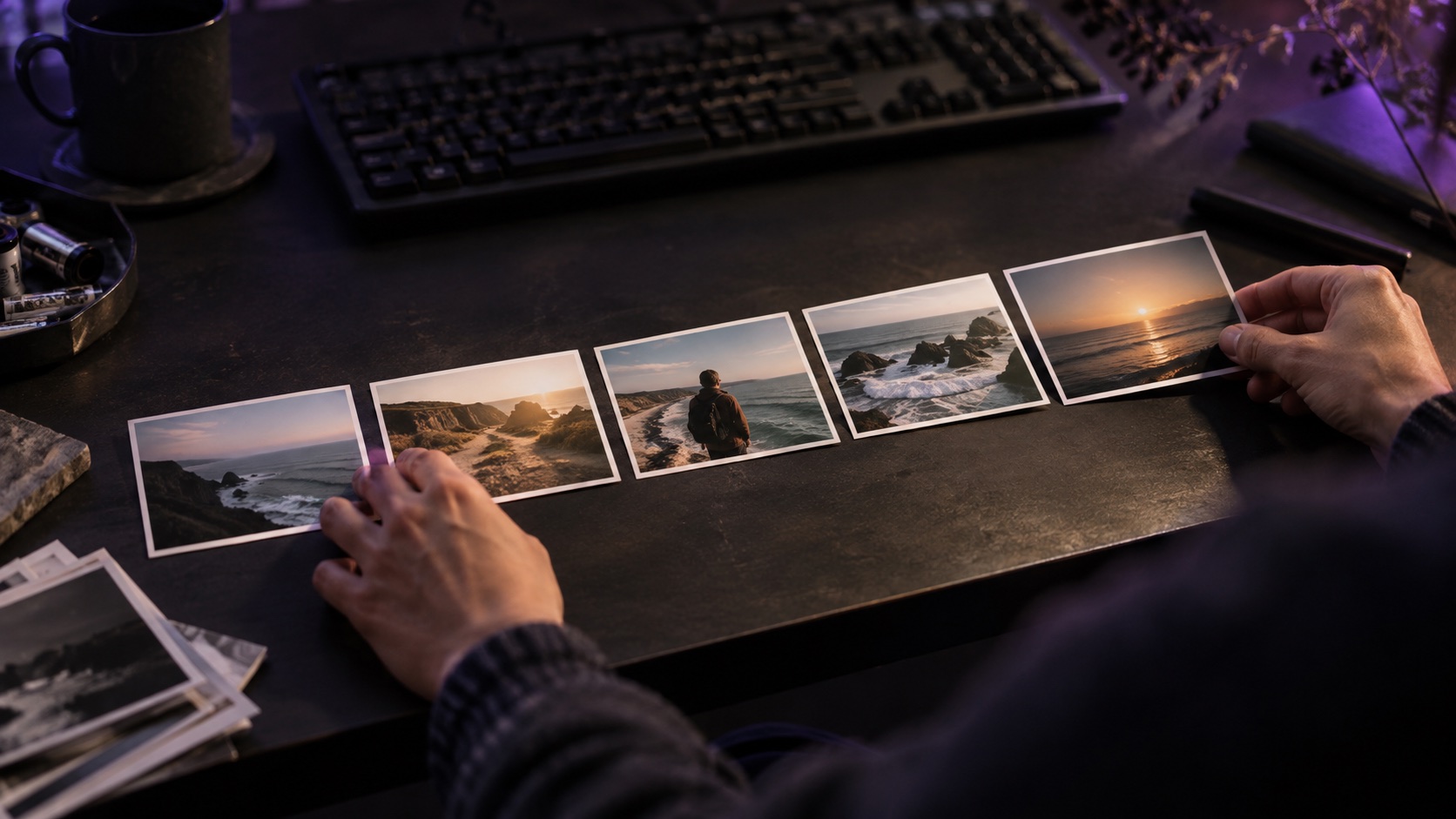
Arrange them in the order someone would walk through the space.
Trim shaky starts and ends and remove repeated movement.
Add short area labels and adjust scenes with large brightness differences.
Review orientation and text placement, then check that a first-time visitor could follow the route.
03 / Try this sequence
Try this sequence
A studio tour can move from entrance to main workspace, desk and tools, then a window-side rest area. An overall view between areas can help viewers understand the layout.
Before you export
- Does the sequence follow the actual route?
- Are color and brightness faithful to the space?
- Do labels leave the scene visible?
Frequently asked questions
Can I make a dark space look brightly lit?
Brightness adjustments should not misrepresent the space. Review noise and color, and aim to convey the real lighting and atmosphere faithfully.
Available tools and export settings vary by app version and device. Check the app for the terms of AI generation and cloud processing.